
Web-based ERP, cloud or on-premise: one system for every city you work in

The plant is in an industrial park in Isfahan. The raw-material warehouse is on the outskirts, the sales office in Tehran, and this week the CEO is at the port. At ten at night the CEO wants to know today’s sales and how much of the main product is left. With software installed only on the accountant’s PC, the answer waits until tomorrow noon. With a web-based ERP, it is on the CEO’s phone right now.
First: what is an ERP?
ERP, enterprise resource planning, is software that puts accounting, inventory, sales, purchasing, production, HR and the rest of the organisation on one database. When a sales invoice is posted, the ledger entry and the stock deduction happen in the same instant.
What “web-based” means
Web-based software opens in a browser. Nothing to install on every PC, no new version to send to every user. For a company with several sites that means:
- The city does not matter: plant, branch and head office are all on one system.
- The device does not matter: laptop, warehouse PC or the manager’s phone.
- Updates in one place: the new version goes onto the server and everyone has it at once.
- One number: warehouse and accounting see the same figure; nobody e-mails spreadsheets around.
Cloud or your own server? An old fight, a new answer
Web-based does not have to mean cloud. You have two options:
- Cloud (the vendor’s servers): servers, backups, certificates and updates are the vendor’s job. Faster start, no one needed to look after a server.
- Your own server (on-premise): data never leaves the building. For organisations whose rules require it, the only way.
The golden question: is the on-premise installation the main version, or a separate branch that falls behind on updates? Many buyers find out too late.
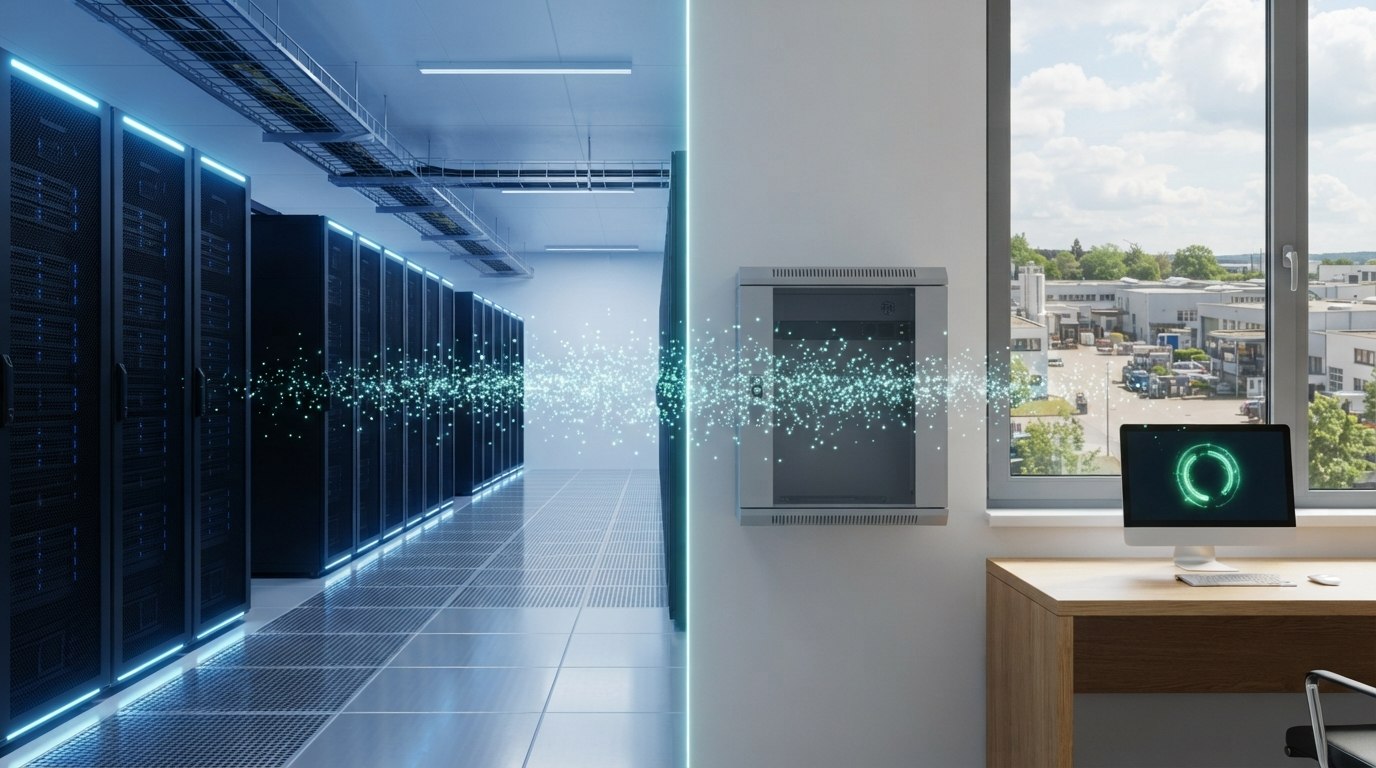
“What if the internet goes down?”
- On-premise: when the system is inside your network, users in the building keep working even when the outside internet is down.
- A branch that must not stop: in FaraERP, a hotel branch that loses its internet keeps its front desk running on the desktop app, and everything reaches head office once the line is back.
- A copy of your data at home: Fara Auto Sync (FAS) is a program on a computer inside your organisation that keeps a complete, read-only, always up-to-date copy of your Fara data, takes scheduled backups and, should the server ever be lost, restores everything onto a freshly installed server.
FaraERP: a web-based ERP for every city
- Web, desktop, mobile on one core: managers in the browser, weighbridge operators on Windows, drivers on their phones, all reading from one source.
- Our servers or yours: the very same version runs entirely inside your own network and never falls behind on updates.
- A separate database per organisation: your data never shares a table with another customer.
- Encrypted in transit: every domain is HTTPS only, and certificates renew themselves.
- Daily checks: service availability and backups are checked every day, and restoring a backup is tested too.
- 31 modules on one database: from accounting, inventory and production to office automation, weighbridge and hotels.
- Persian, English, German and Dutch: with right-to-left and the Persian calendar where they belong.
- An academy inside the panel: video and written guides for every module, so a new user gets going without a classroom.
Wondering about cost? Read our ERP price and buying guide, and before you buy, get the demo right.
Plant in one city, manager in another, data in one place. Book a free FaraERP demo