
Your ERP isn’t being used? 9 reasons and what to do about them
The project is closed, go-live was celebrated, the invoices are paid. Three months later a familiar picture appears: sales keeps its customers in Excel, the warehouse writes notes, and the ERP gets the data at month end, if at all. The ERP isn’t being used. It happens a lot, and it is almost never “the staff’s” fault.
This article is about the time after go-live. Why projects fail before that is covered in Why ERP projects fail.
How to spot it
- Parallel spreadsheets: there is an Excel file for the same data “just in case”.
- Batch entry: documents are entered once a week or month instead of when they happen.
- Reports from Excel: management still gets its figures as an email attachment.
- Questions instead of clicks: “How do I do that again?” is the most common sentence in the office.
9 causes, and what you can do
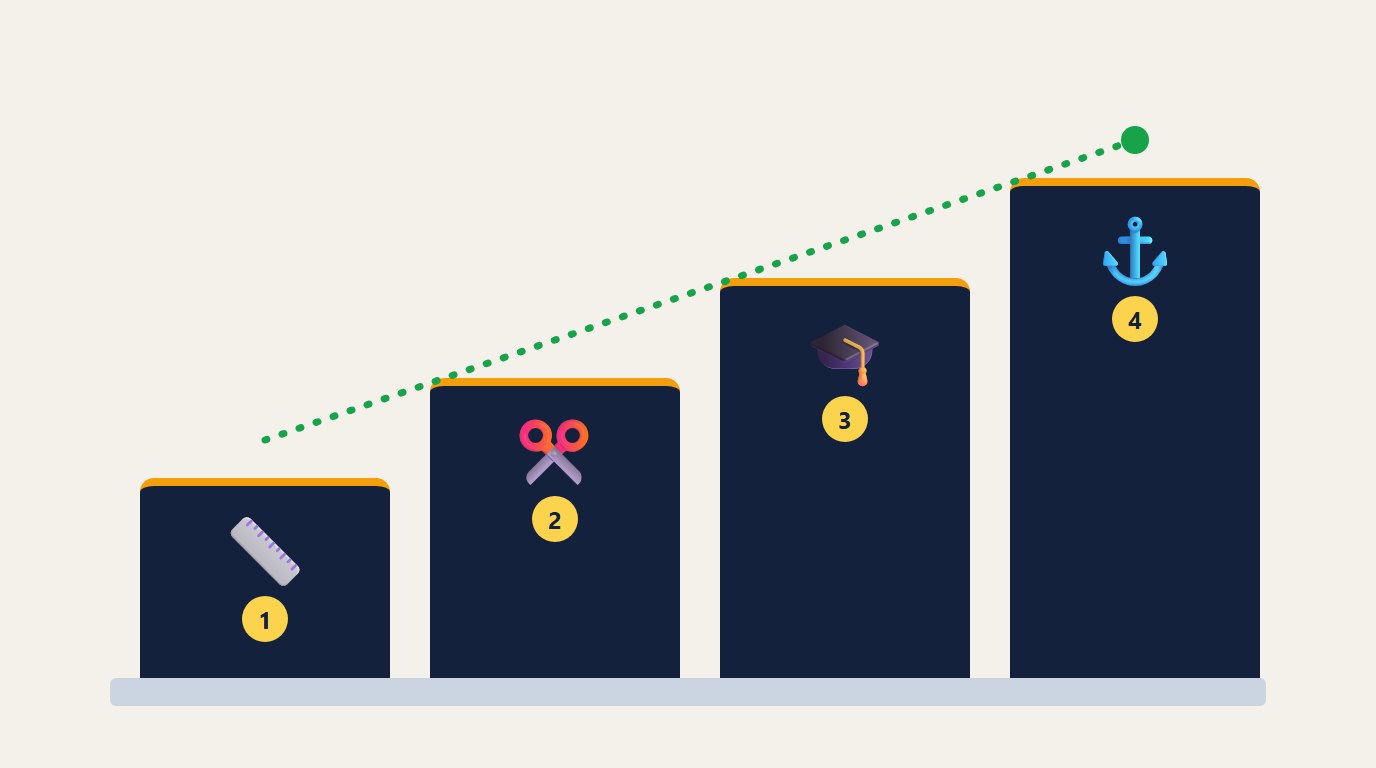
- Double entry. If a figure has to go into two systems, the easier one always wins. Fix: capture each piece of information in one place only. An ERP on a single database, where an invoice posts and deducts stock at the same moment, removes the reason for the parallel spreadsheet. More in One database vs integrations.
- Screens that don’t fit the role. Someone who only needs delivery notes should not see general-ledger accounts. Fix: trim permissions and menus per role; in FaraERP the system core sets who may do what, and each user sees only their own modules.
- One-off training. A training day before go-live is forgotten in two weeks, and new colleagues get none. Fix: learn inside the tool. The FaraERP Academy has video and written guides for every module inside the panel itself.
- Nobody owns it. After the project there is no key user collecting questions and enforcing rules. Fix: name one owner per department and give them time for it.
- Reports are missing. If the boss only gets figures from Excel, Excel stays. Fix: reports you build yourself. The FaraERP report builder makes reports from invoices, entries, stock, the till and the weighbridge, even from a single sentence, and can send them on a schedule.
- Approvals still run on paper. Leave requests, orders and contracts travel the building as printouts. Fix: approval workflows in the system, tasks with SMS reminders, and signing by link with an SMS code.
- The system is hard to reach. People in the warehouse or on the road cannot get to an office PC. Fix: the same system in the browser, as a desktop app and on the phone.
- Bad data at the start. Wrong opening balances destroy trust in week one. Fix: check legacy data before go-live and compare critical figures in parallel; FaraERP payroll has a compare mode against the previous system for exactly this.
- Fear of mistakes. People who fear breaking something would rather not click. Fix: traceability instead of fear; every change is logged, and the Fara assistant guides step by step on every page and, in accounting, inventory and shifts, prepares drafts the user approves.
A 30-day plan
- Week 1, measure: which processes still run outside the ERP? A list per department.
- Week 2, simplify: cut permissions and menus per role, remove needless mandatory fields.
- Week 3, train: short sessions per role, point to the in-panel guides, name key users.
- Week 4, embed: switch off the parallel spreadsheets; reports only from the ERP.
And if the ERP itself is the problem?
Sometimes it really is the system: too many islands, interfaces that run half-finished overnight, reports that need a developer. Then no training helps. In a demo we show FaraERP on a real scenario from your business, so you can judge whether your people would rather work with it.
Frequently asked questions
Why isn’t an ERP used after go-live?
Usually because of double entry, screens that don’t fit the role, one-off training, missing reports and approvals still on paper, rarely because of the staff.
How do you improve ERP adoption?
First measure which processes run outside it, then simplify screens per role, train inside the tool, name key users and switch off parallel spreadsheets.
Does an AI assistant help adoption?
It lowers the barrier: the Fara assistant guides step by step on every page and prepares drafts the user approves.
How is this different from a failed ERP project?
A failed project never really goes live; poor adoption starts after go-live, when the system runs but is bypassed.